Nintendo DS (NDS) ROMs & Games Download
- Official NDS ROMs & Hacks
- Best Dual-Screen Classics
- DraStic & Delta Ready
- Direct, Fast Downloads
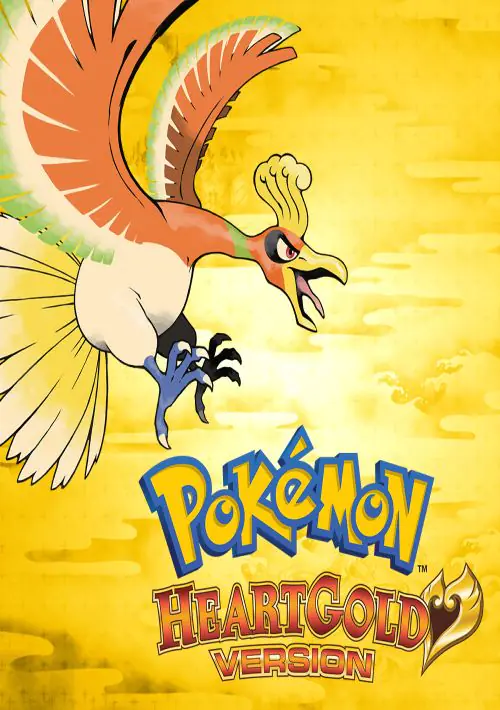
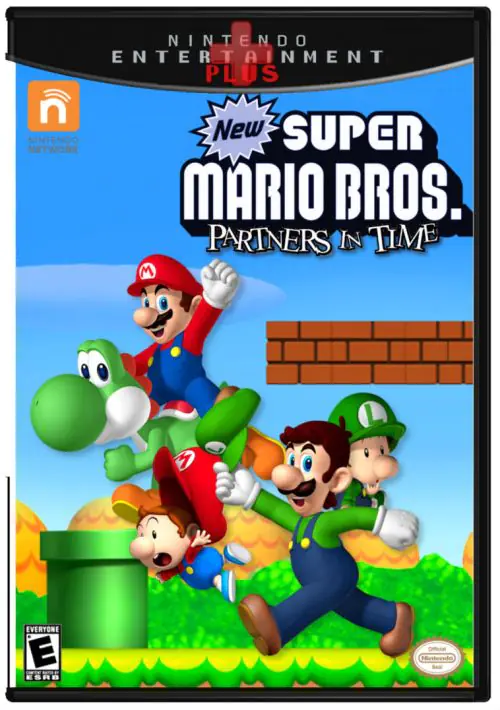
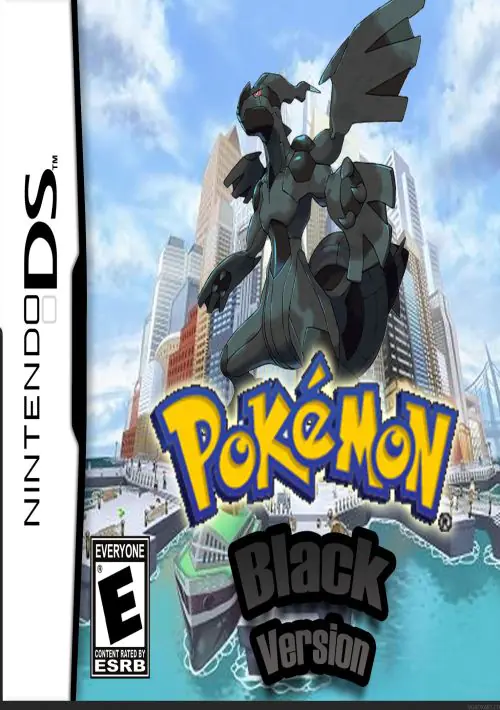
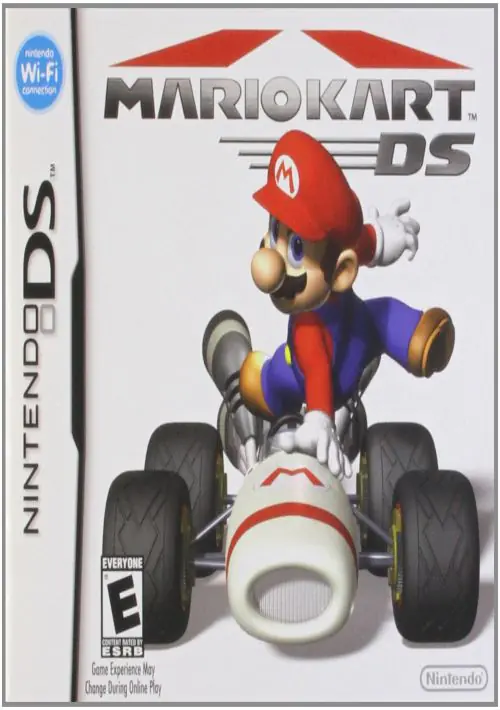
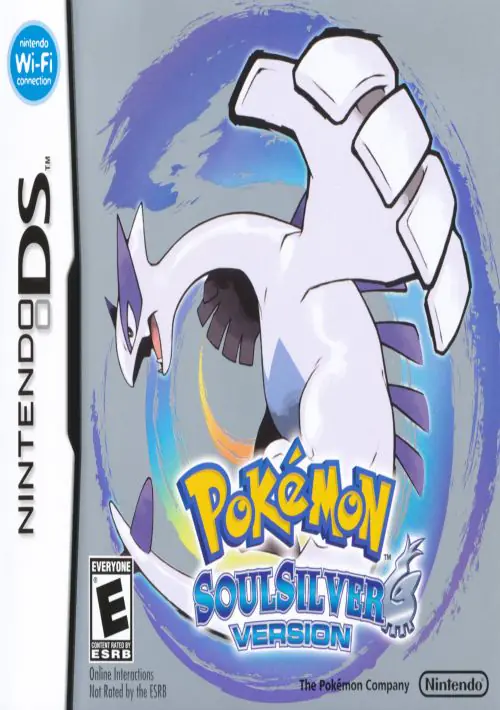
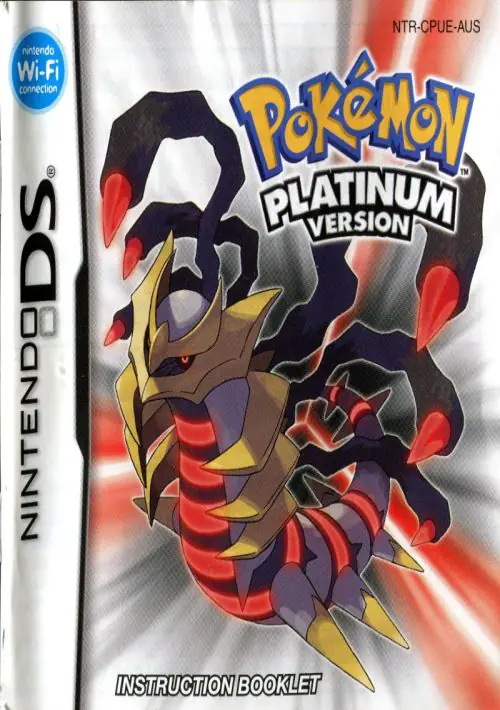
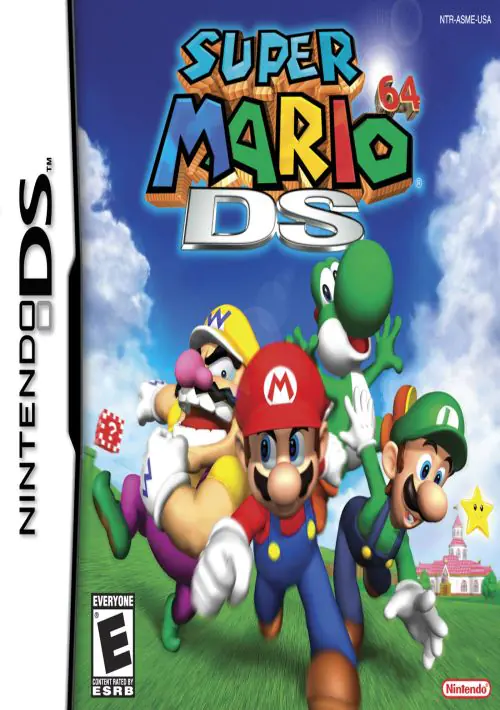
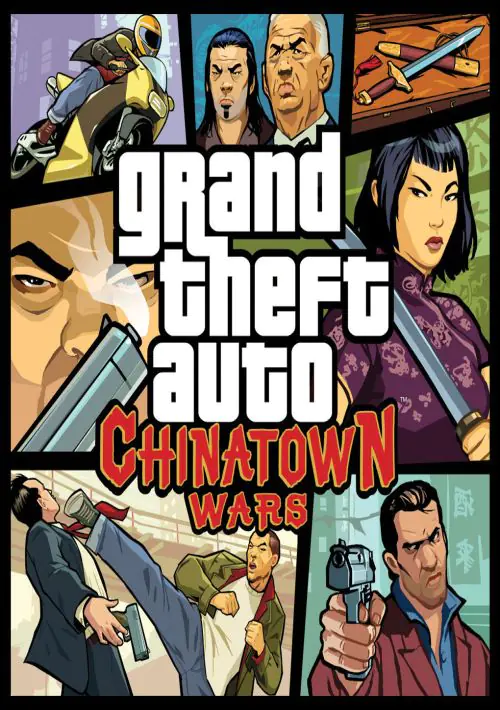
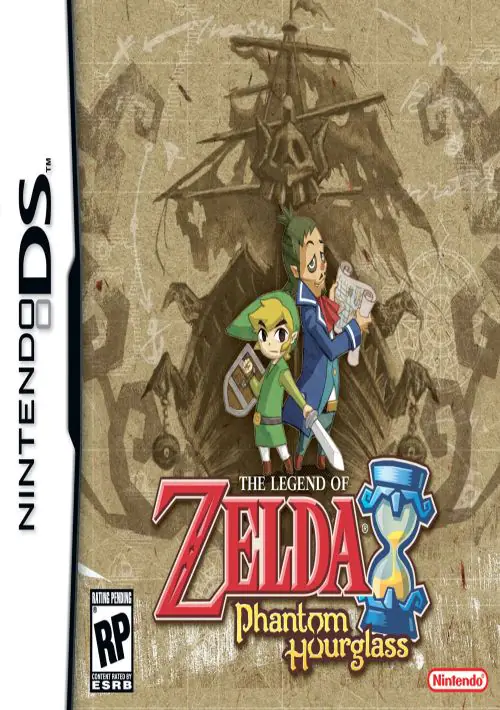
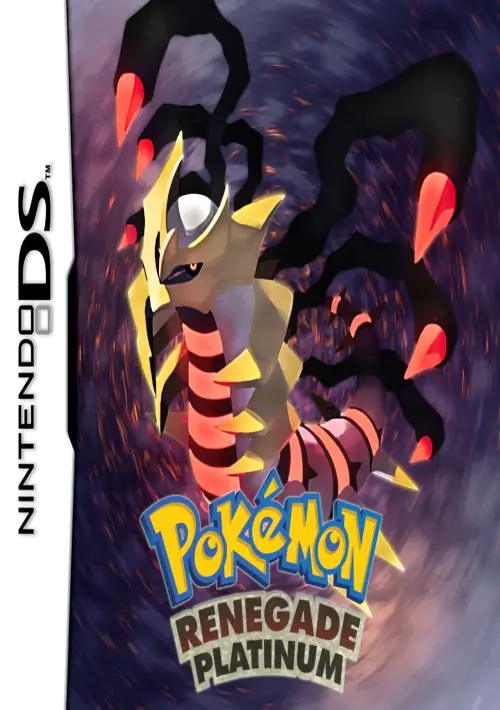
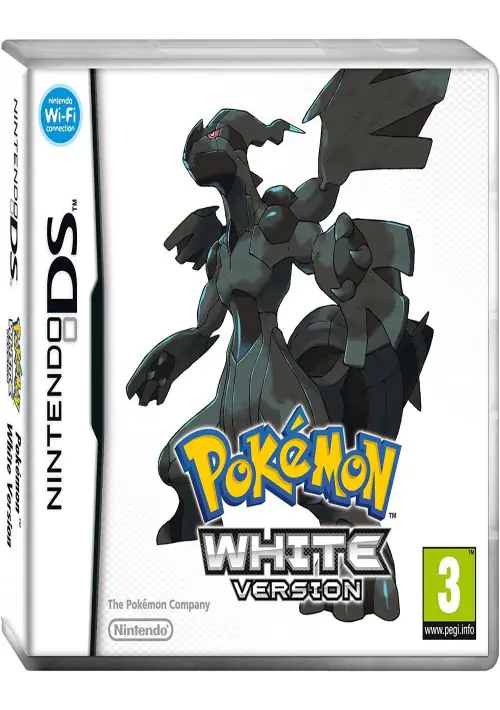
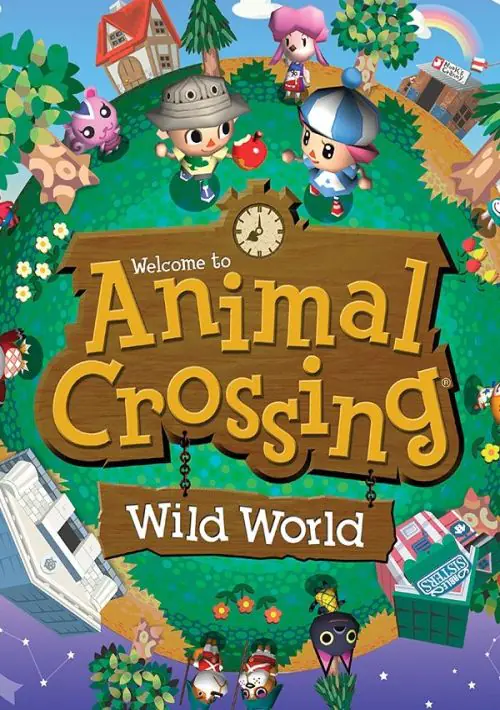
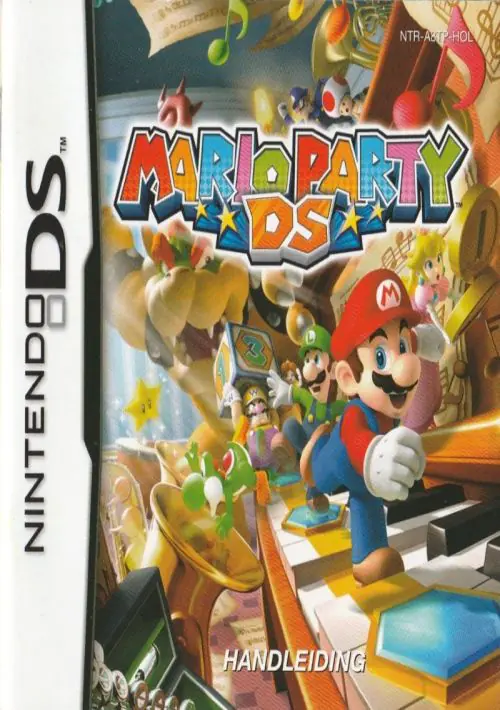
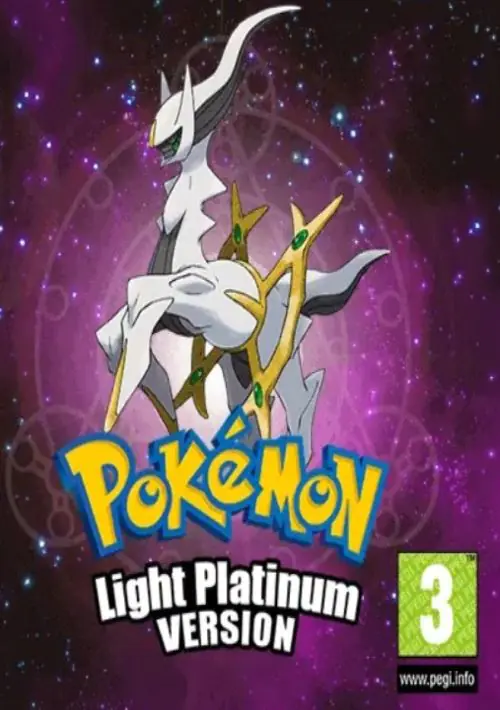

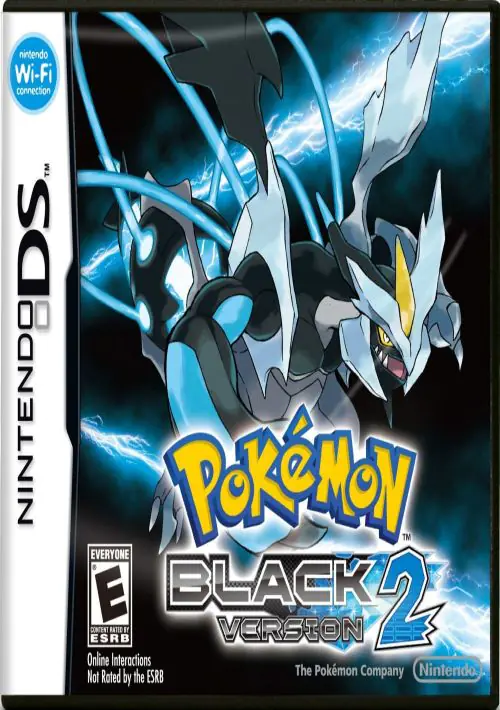
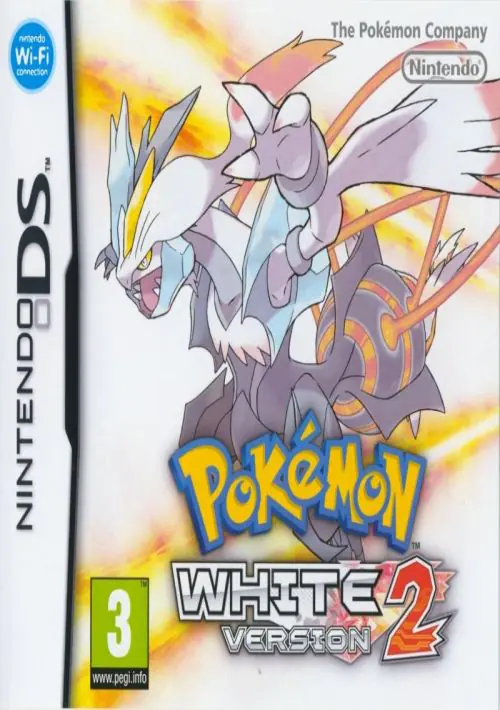
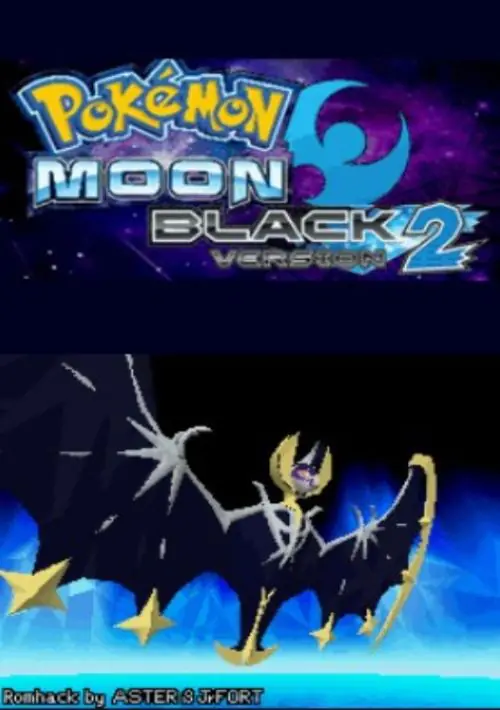
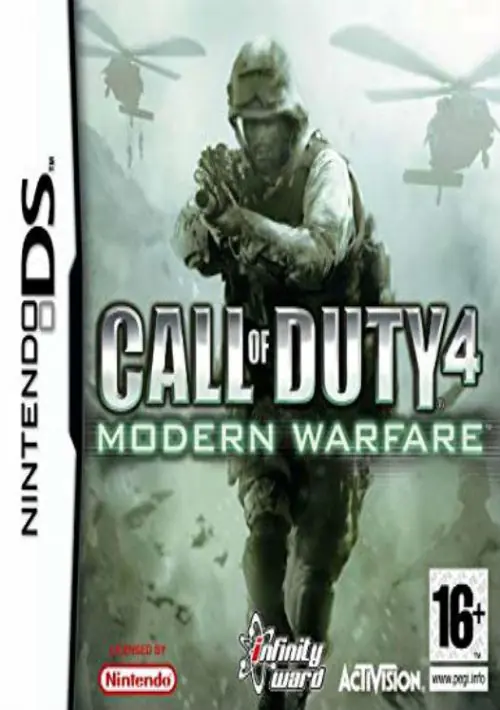
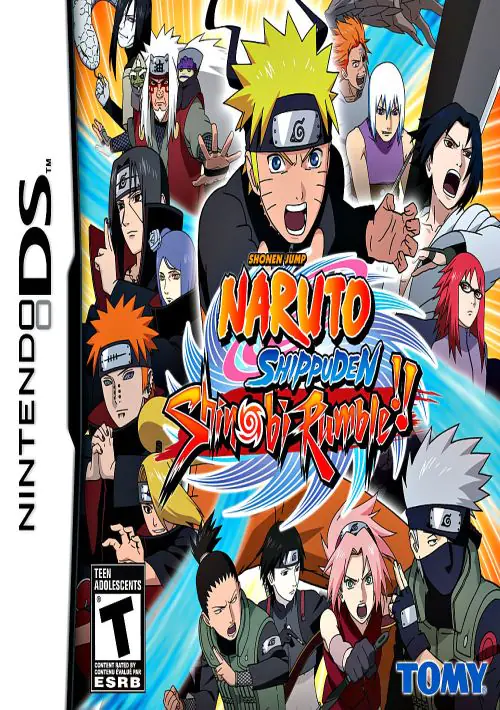
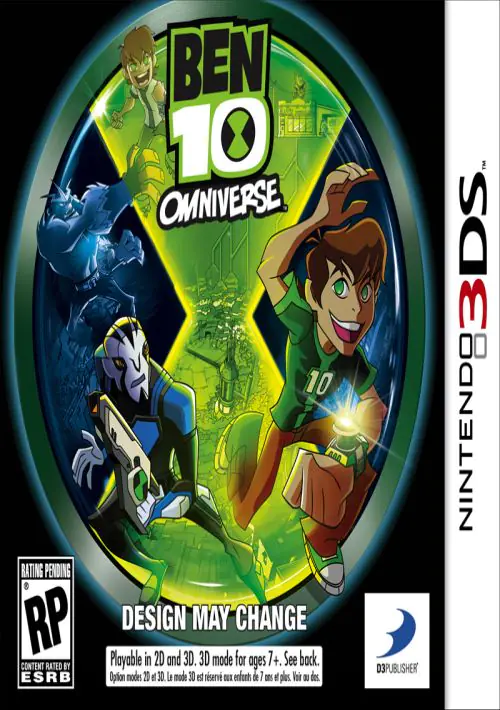
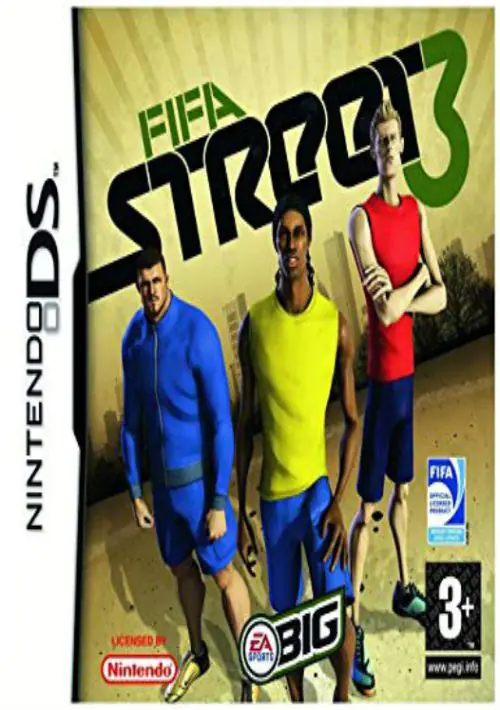
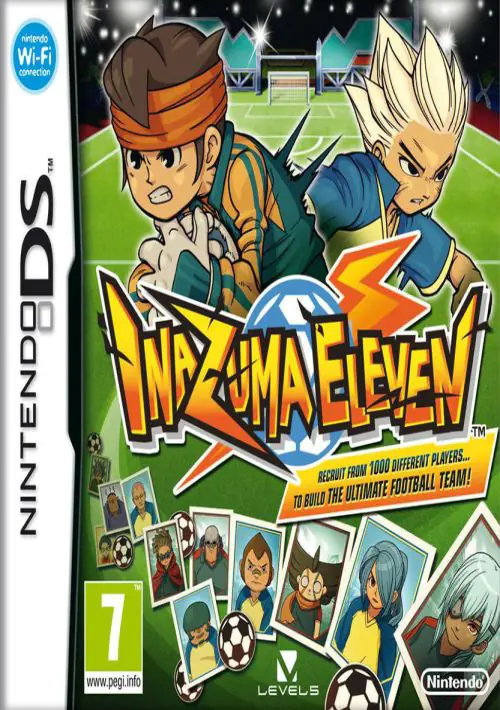
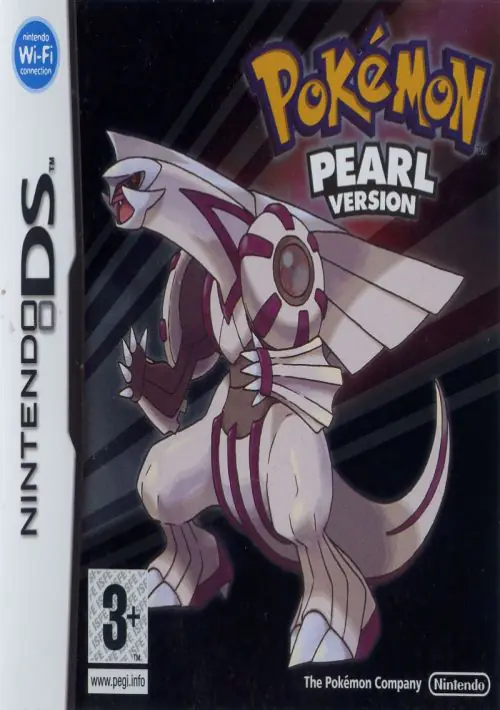

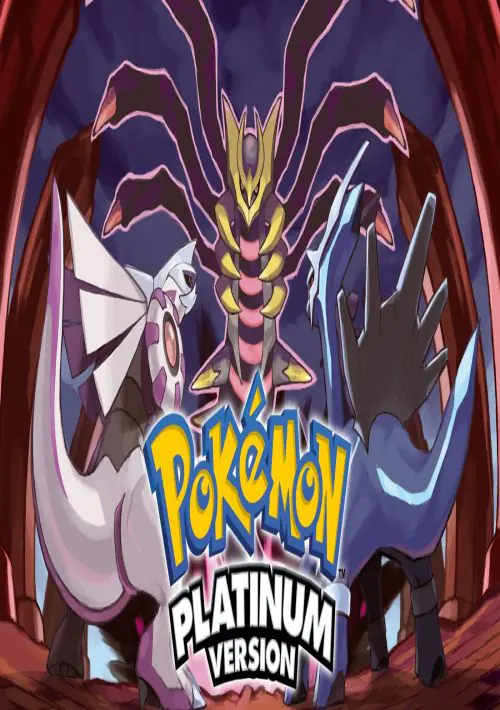
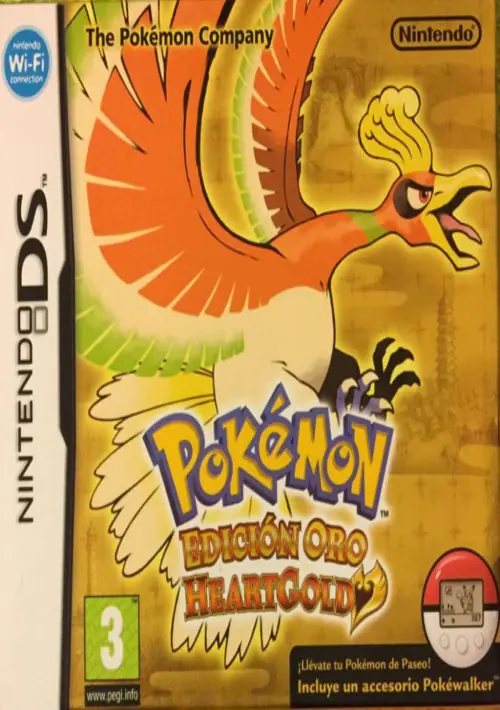
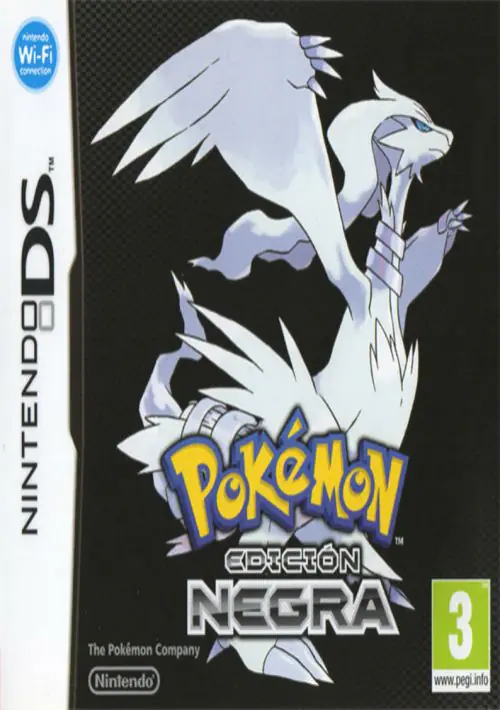
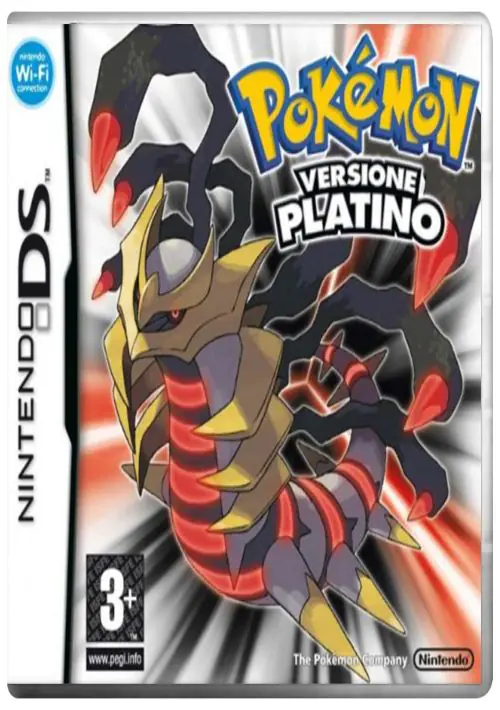
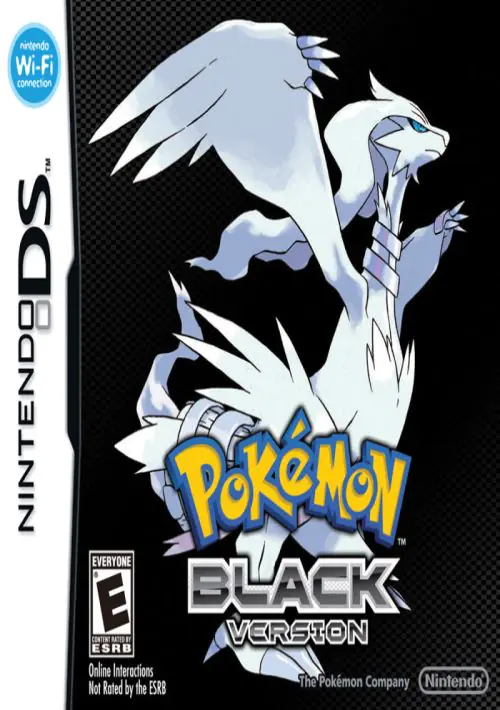
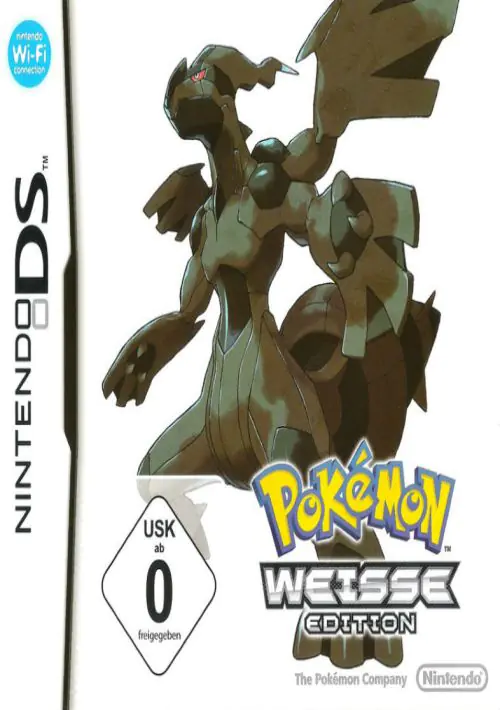
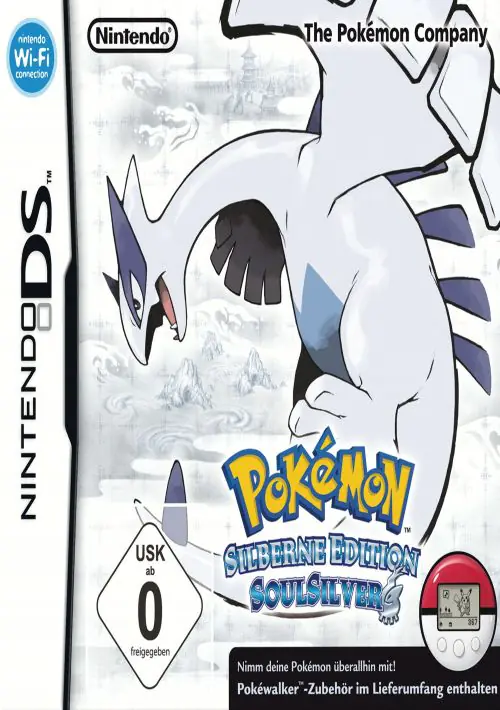
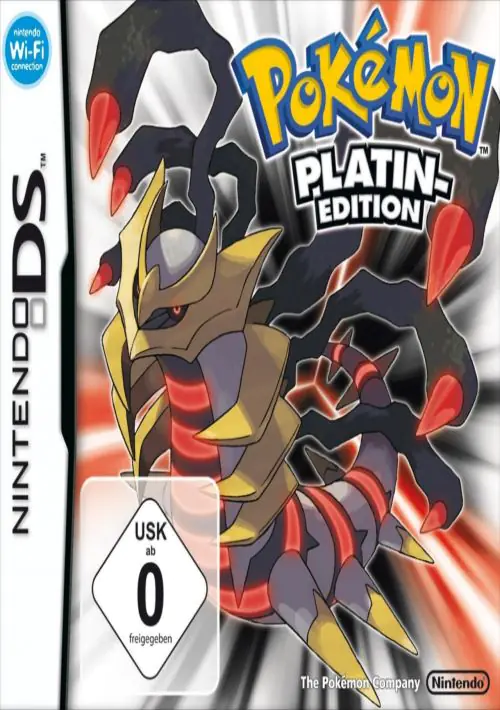
Nintendo DS (NDS) ROMs & Games
The Nintendo DS is legendary for revolutionizing portable gaming with its innovative dual-screen setup and touch capabilities. Our VIP library brings you the very best of this iconic console, featuring heavily compressed .nds files and fan-favorite ROM hacks ready to be played anywhere.
Best Emulators to Play NDS Games
Emulating the Nintendo DS on modern hardware is an absolute breeze. Here are the top emulators we recommend for flawless performance:
- DraStic DS Emulator (Android): The absolute king of NDS emulation on mobile. It runs at full speed even on older devices, supports high-resolution 3D rendering, and allows full customization of the dual-screen layout.
- Delta Emulator (iOS): The best choice for iPhone and iPad users. It perfectly emulates the DS experience, supports external controllers, and offers seamless syncing via Google Drive.
- DeSmuME & MelonDS (PC/Windows): For PC gamers, these two are unmatched. MelonDS offers incredible accuracy and Wi-Fi emulation support, while DeSmuME offers extensive debugging and speedhack tools.
FAQs and Common Questions
Our games are highly compressed into .zip or .7z formats to save your data. Once extracted, you will get the .nds ROM file which works directly with DraStic, Delta, or any PC emulator.
On mobile devices (Android/iOS), the bottom screen functions exactly like the original DS touchscreen—you simply tap your phone's screen. On PC, you use your mouse to click and drag across the bottom screen area.
Yes! Emulators like DraStic and DeSmuME have a built-in "Fake Mic" feature. You can either use your device's actual microphone or assign a button to simulate blowing into the mic to solve in-game puzzles.


![GameHub v5.3.5 Free Download for Android [Official App 2026]](https://blogger.googleusercontent.com/img/b/R29vZ2xl/AVvXsEj4TbvK44yH-bqDGUwJz9bqx42qBk9nLssZaJDWcWvM8pfwkhPRP8Wq8G-NwY147mDtxvuRbmdOED6HgJ-ybszc-40GnSBT7qYa5LS2IwxuCIugvFNLLwdIElkKAdMylkaWfjqMK3qGLMM3B3eV5O94GxSwUjIOe-U4qTXu2Ig_1zPtvwu9D6rof5v9N7Uf/s960/gamehub_hero_image.webp)
