GameHub vs Winlator: Best Windows Emulator for Android? (2026 Benchmarks)
- Choose GameHub if: You want easy setup, direct Steam integration, and automatic configuration. Perfect for beginners.
- Choose Winlator if: You are tech-savvy, want to play non-Steam/GOG games, and need full customization and privacy control.
- Can't decide? Install both! They do not interfere with each other.
What Are GameHub and Winlator?
GameHub: The Newcomer (2025)
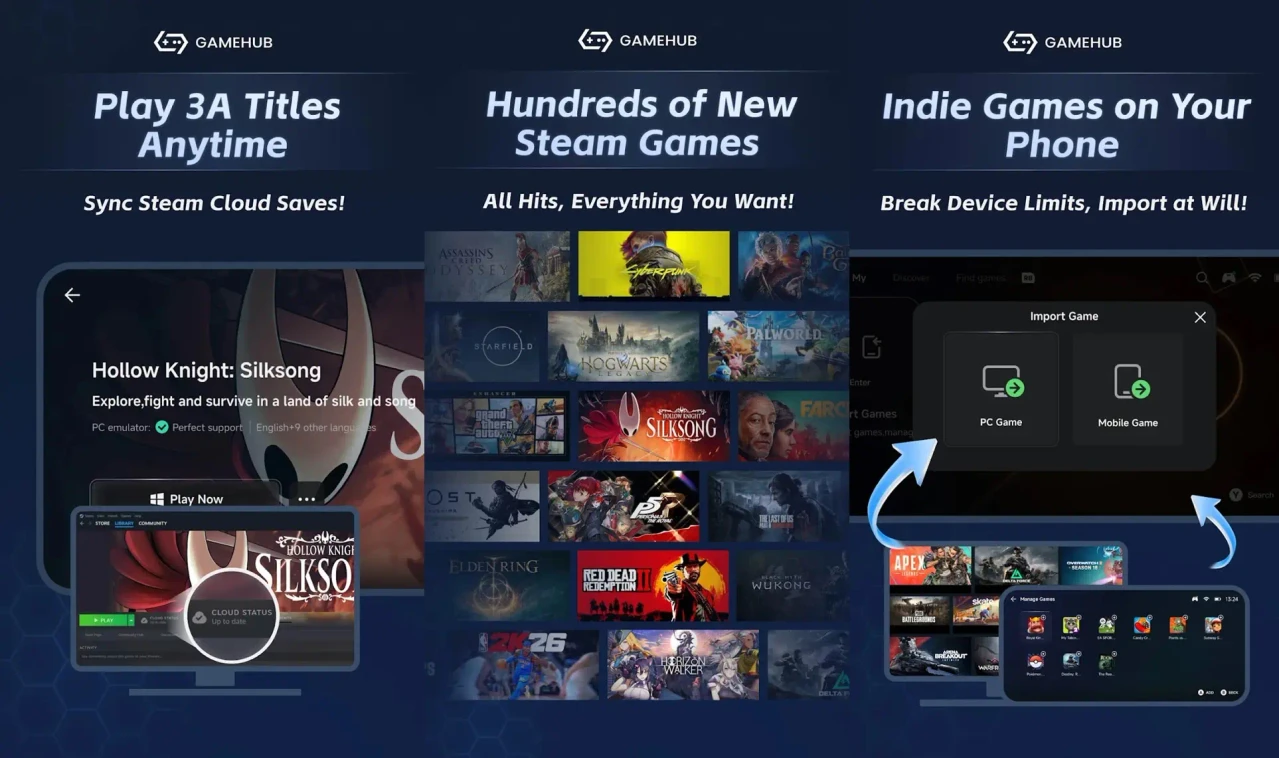
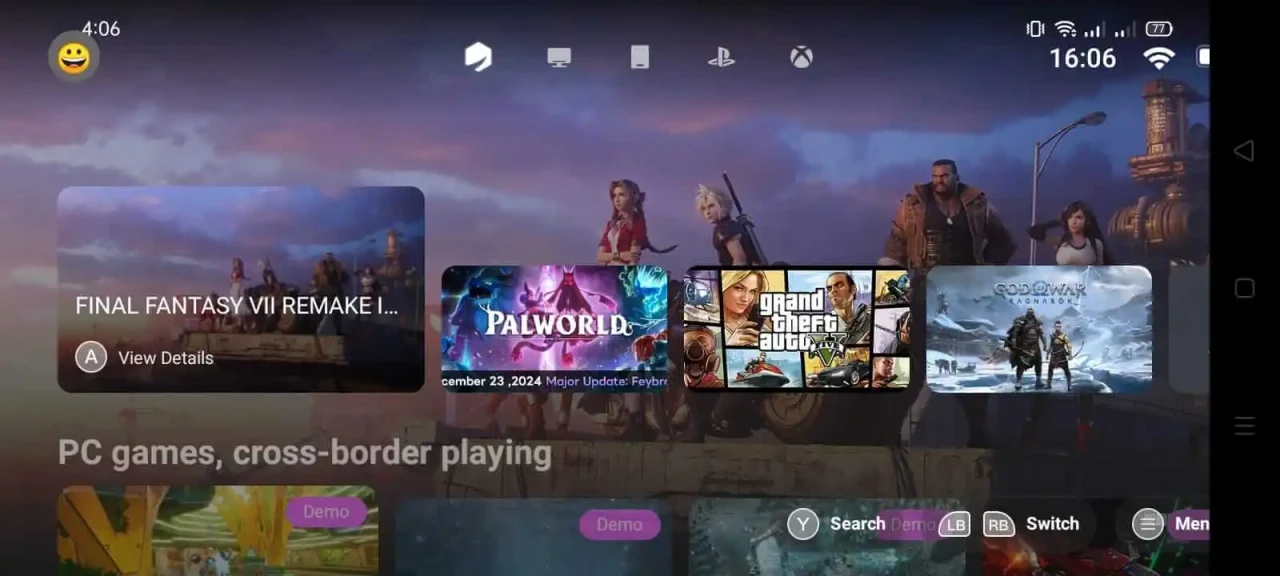
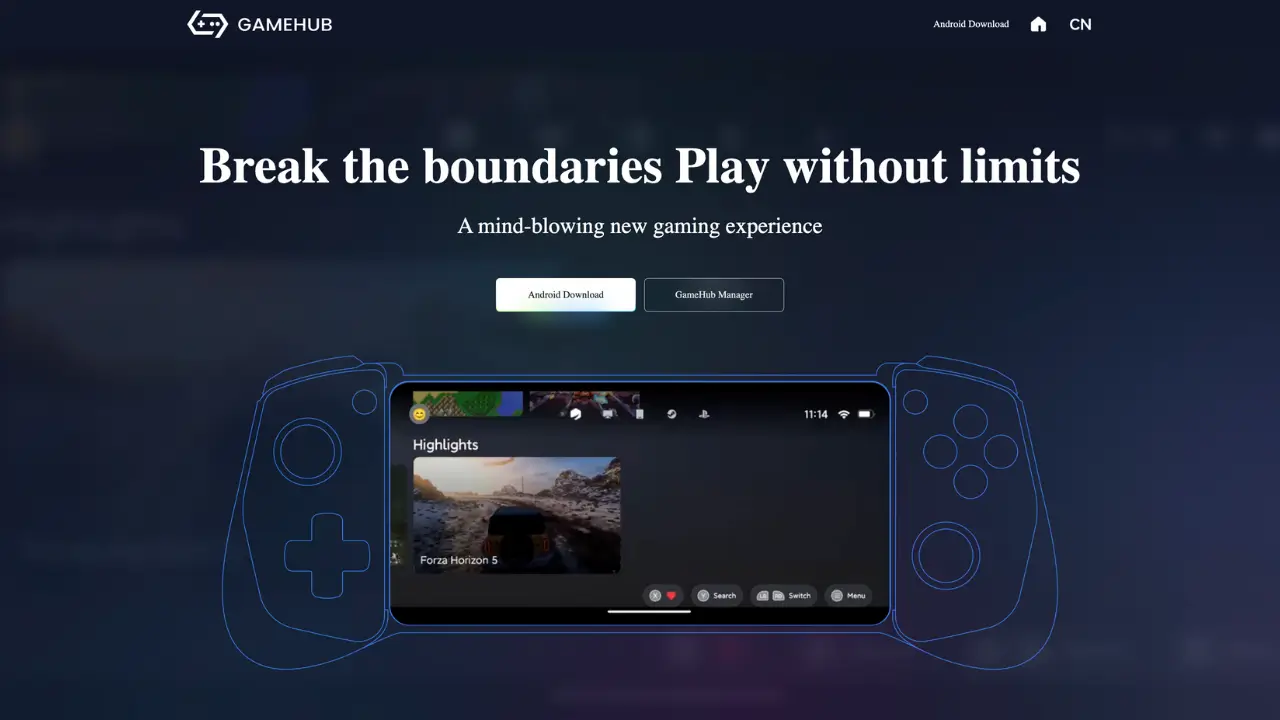
GameHub is a Windows emulator for Android developed by GameSir, the popular gaming peripheral manufacturer. Released on the Google Play Store in November 2025, GameHub simplifies Windows gaming on Android with automatic setup, direct Steam integration, and one-click installation.
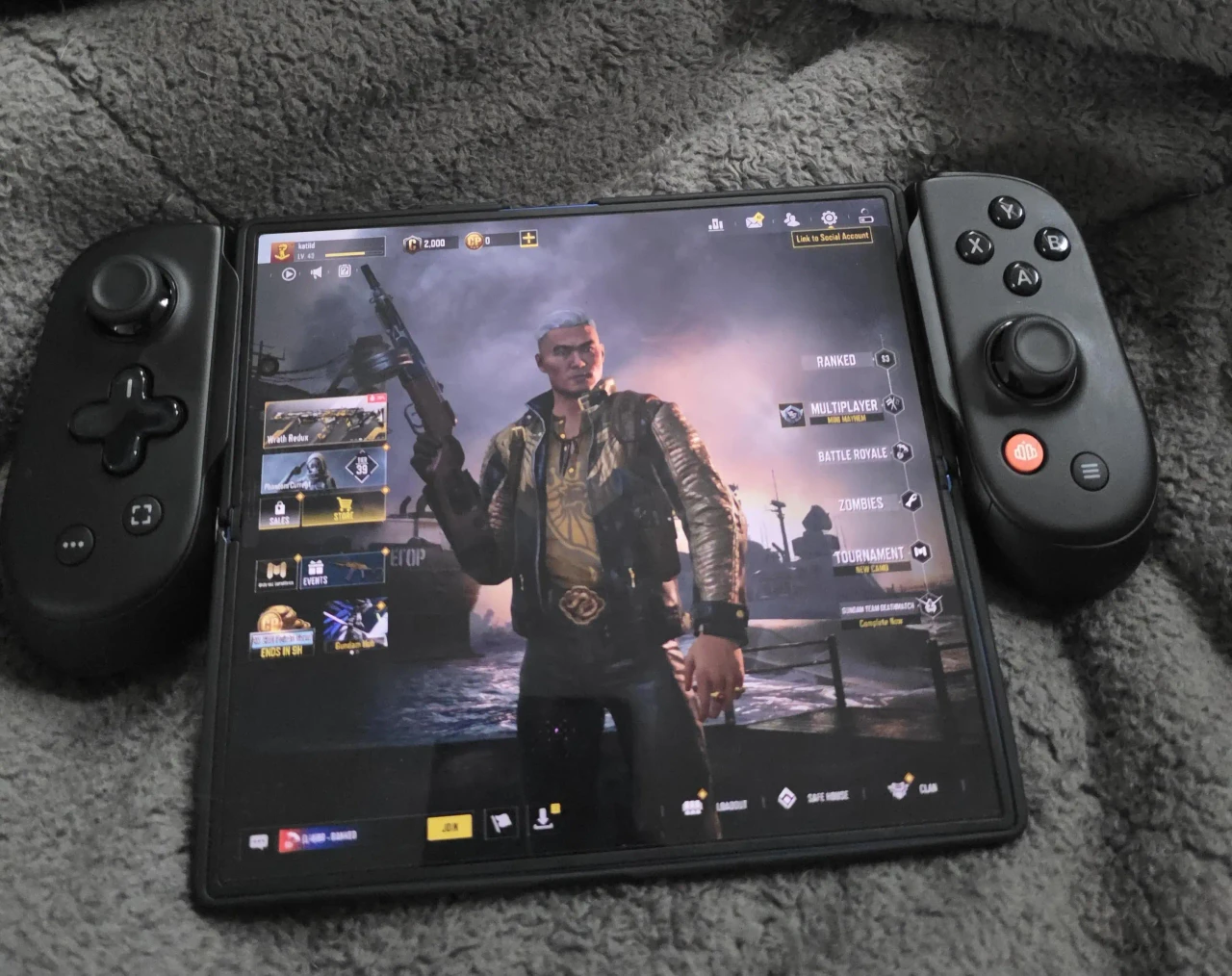
Key selling points: Ease of use, official Play Store availability, Steam Cloud sync, and automatic driver management.
Winlator: The Open-Source Pioneer
Winlator is a highly respected open-source Windows emulator created by developer brunodev85. It uses Wine and Box86/Box64 technologies to run Windows x86/x64 applications natively on Android. Winlator offers maximum control and customization but requires technical knowledge to configure properly.
Key selling points: Open-source, completely free, full control, privacy-focused, and supports all Windows apps (not just games).
Feature-by-Feature Comparison
| Feature | GameHub | Winlator |
|---|---|---|
| Ease of Use | ✅ Excellent (Auto-setup) | ❌ Difficult (Manual config) |
| Steam Integration | ✅ Direct login & download | ❌ No native support |
| Open Source | ❌ Closed source | ✅ Fully open & transparent |
| Availability | ✅ Play Store | ❌ GitHub APK only |
| Privacy | ⚠️ Contains trackers | ✅ Clean & private |
| Setup Time | ✅ 5 minutes | ❌ 30-60 minutes |
🎬 See How Easy GameHub Is
Performance Benchmarks: Real-World Testing
I tested both emulators on a Snapdragon 8 Gen 2 device (12GB RAM) with identical games and settings. Here are the results:
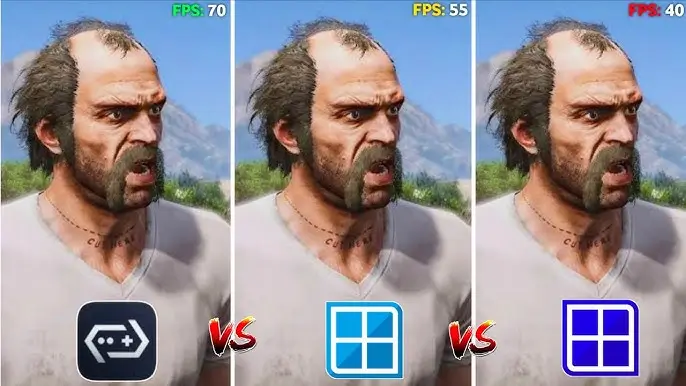
| Game Tested | GameHub FPS | Winlator FPS | Winner |
|---|---|---|---|
| Stardew Valley | 60 FPS | 60 FPS | Tie ⚖️ |
| Hollow Knight | 60 FPS | 58 FPS | GameHub 🏆 |
| Fallout 3 | 45 FPS | 42 FPS | GameHub 🏆 |
| Mass Effect 2 | 38 FPS | 40 FPS | Winlator 🏆 |
| Oblivion | 35 FPS | 38 FPS | Winlator 🏆 |
Ease of Use: The Deciding Factor
GameHub Setup Process (5 Minutes)
- Download from Google Play Store.
- Open app and wait for initial setup.
- Sign into your Steam account.
- Browse games and tap "Download".
- Launch game and play!
Winlator Setup Process (30-60 Minutes)
Pros & Cons Comparison
GameHub
✅ Pros
- Incredibly easy: Zero technical knowledge required.
- Steam integration: Download games directly.
- Auto-optimization: No manual tuning.
- Cloud saves: Steam Cloud sync works perfectly.
❌ Cons
- Closed source: Cannot verify the code.
- Privacy concerns: Contains tracking telemetry.
- Limited games: Primarily focused on Steam library.
Winlator
✅ Pros
- Open Source: 100% free and transparent.
- Total Control: Tweak every driver and setting.
- Game Freedom: Play GOG, Epic, or any standalone .exe files.
- Privacy safe: No trackers or forced accounts.
❌ Cons
- Steep learning curve: Hard for beginners.
- Manual labor: Must move game files from PC manually.
- Trial and error: Finding the right settings takes time.
Final Verdict: The Winner Is...
There is no universal winner — it entirely depends on your priorities as a gamer:
🏆 GameHub Wins For:
- Beginners & casual users.
- Gamers with large Steam libraries.
- Users who prefer convenience over deep control.
Target: 85% of mobile users who want "it to just work."
🏆 Winlator Wins For:
- Advanced & tech-savvy users.
- Privacy-conscious gamers.
- Players with non-Steam (GOG) game libraries.
Target: 15% of users who love tinkering and customization.
Download Links
Frequently Asked Questions (FAQ)
Which is better: GameHub or Winlator?
GameHub is better for beginners who want easy setup and direct Steam integration without any technical hassle. Winlator is better for advanced users who want full control over emulation drivers, privacy, and the ability to run non-Steam games.
Is GameHub faster than Winlator?
Performance is generally similar when both are configured correctly. GameHub has the advantage of automatic optimization for specific games, while Winlator requires manual tuning. A properly configured Winlator can match or exceed GameHub's performance in heavier 3D games.
Can I use both GameHub and Winlator on the same phone?
Yes! You can install both emulators on the same Android device. They operate independently and do not interfere with each other. Many gamers use GameHub for their Steam games and Winlator for GOG titles.


![GameHub v5.3.5 Free Download for Android [Official App 2026]](https://blogger.googleusercontent.com/img/b/R29vZ2xl/AVvXsEj4TbvK44yH-bqDGUwJz9bqx42qBk9nLssZaJDWcWvM8pfwkhPRP8Wq8G-NwY147mDtxvuRbmdOED6HgJ-ybszc-40GnSBT7qYa5LS2IwxuCIugvFNLLwdIElkKAdMylkaWfjqMK3qGLMM3B3eV5O94GxSwUjIOe-U4qTXu2Ig_1zPtvwu9D6rof5v9N7Uf/s960/gamehub_hero_image.webp)
