Nintendo 3DS ROMs Download (Decrypted)
- 100% Decrypted ROMs
- Lime3DS & Citra Ready
- No BIOS / Keys Required
- Fast Direct Links




.webp)
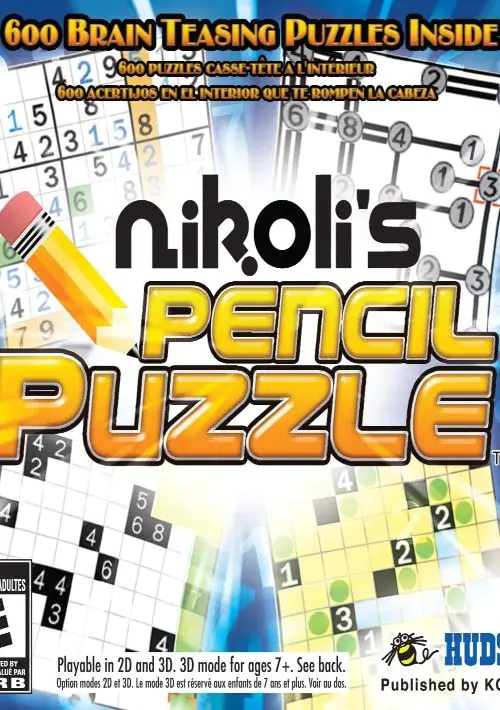
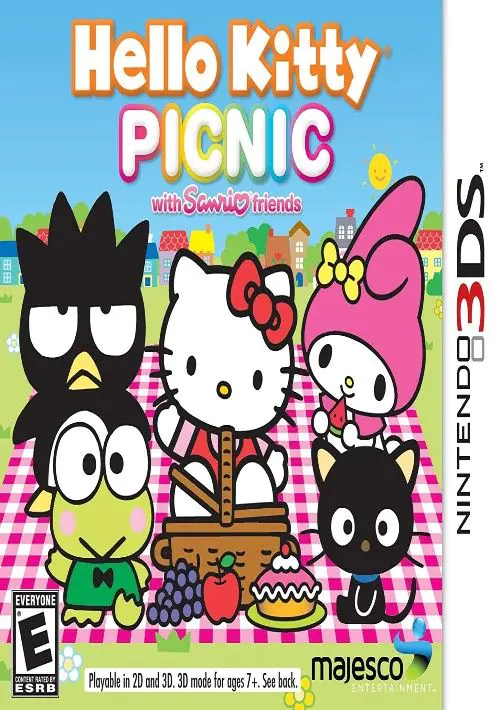
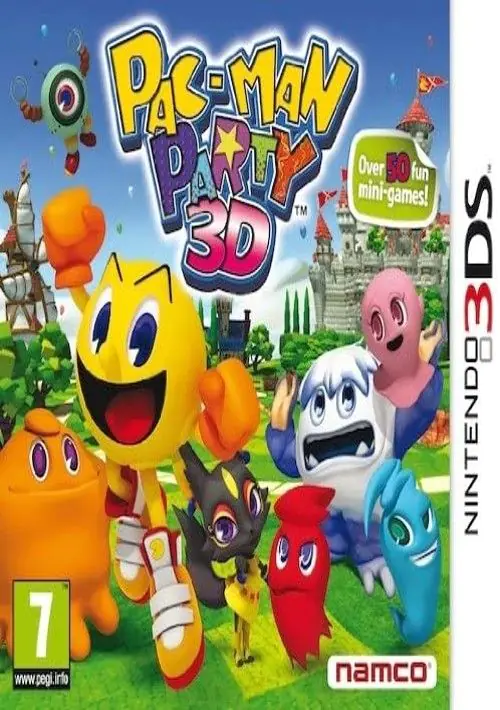
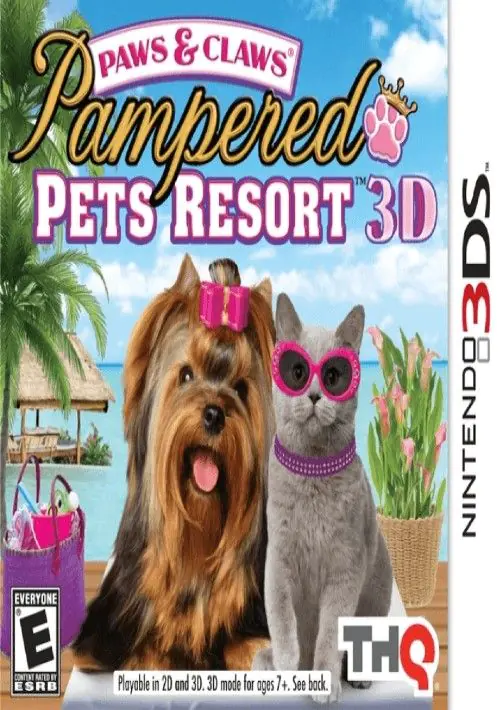
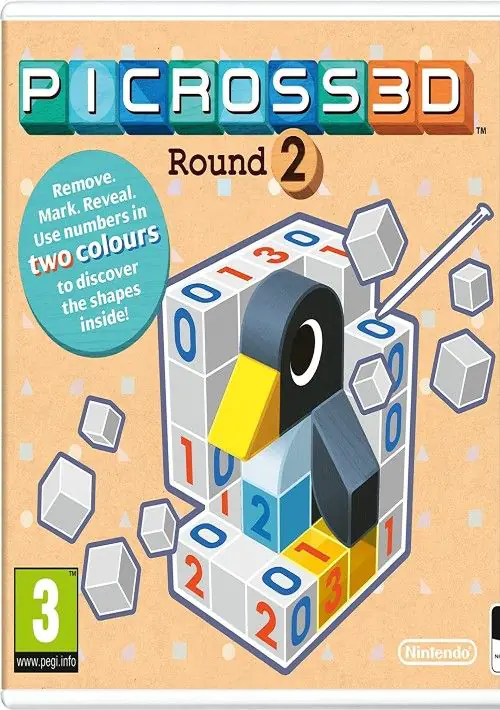
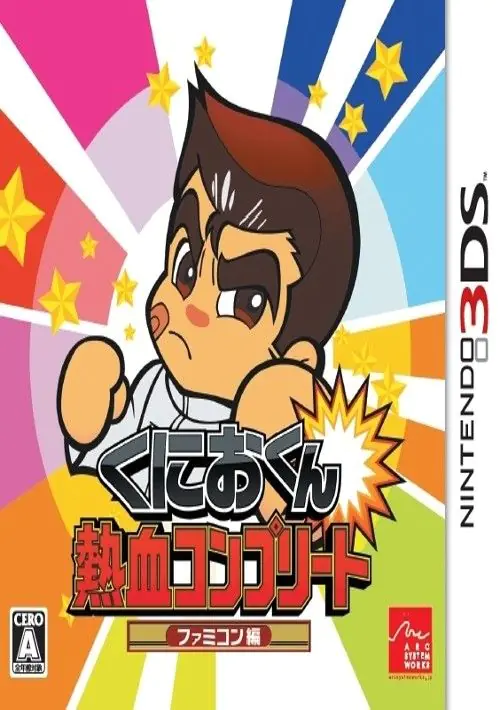
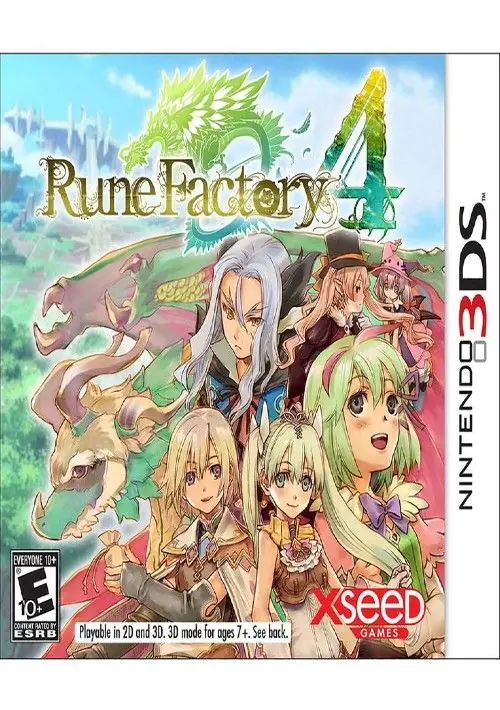
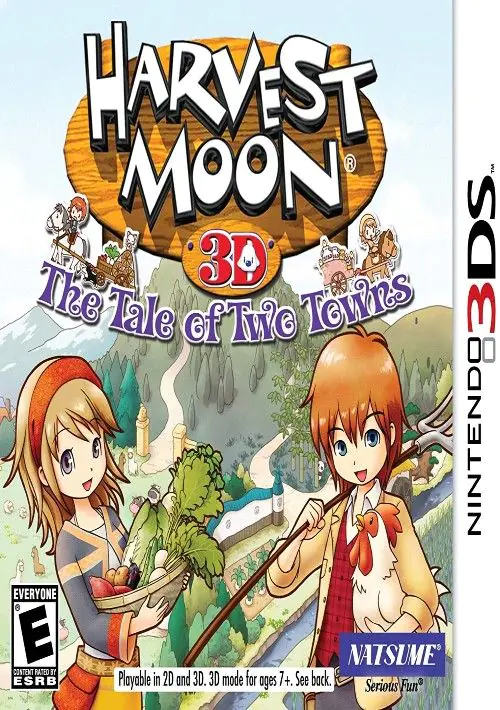
Nintendo 3DS Games
The Nintendo 3DS is a revolutionary handheld game console produced by Nintendo. It is capable of displaying stereoscopic 3D effects without the use of 3D glasses or additional accessories. Released globally in 2011, the 3DS has become one of the best-selling and most beloved consoles of all time, succeeding the incredible Nintendo DS family.
A Glimpse of the 3DS
The system features backward compatibility with Nintendo DS video games, making it a powerhouse for portable gaming. The Nintendo 3DS library is filled with iconic franchises including Mario, The Legend of Zelda, Pokémon, Animal Crossing, and Monster Hunter.
Its introduction changed the way we look at portable gaming, pushing hardware boundaries and offering unique gameplay experiences with its dual screens, touch capabilities, and built-in gyroscope. Today, it remains a favorite among retro gamers and emulation enthusiasts.
How To Get Nintendo 3DS ROMs
While original 3DS consoles and cartridges are becoming harder to find, video game emulation allows you to preserve and enjoy these masterpieces on modern hardware. To play these games, you need a 3DS ROM file and a compatible emulator.
It is important to note that many 3DS ROMs found online are "Encrypted" (.cia files), which require you to jump through hoops and dump AES keys from a real console to make them work. However, our library offers Decrypted 3DS ROMs, meaning the encryption has already been bypassed. You can simply download, extract the `.3ds` file, and load it directly into your emulator.
Best Emulators to play 3DS ROMs:
- Lime3DS Emulator: A highly optimized, actively developed fork of the original Citra emulator. It offers HD resolution scaling, controller support, and maximum compatibility for modern Android devices and PCs.
- Citra MMJ: Specifically modified for Android users with mid-range devices. It disables some heavy graphical features to provide a massive FPS boost, ensuring smooth gameplay on older hardware.
FAQs and Common Questions
A decrypted 3DS ROM is a game file that has had Nintendo's encryption removed. This makes it instantly playable on emulators without needing any complicated BIOS setup or encryption keys.
No! Unlike PS2 emulation, 3DS emulators like Lime3DS do not require a separate BIOS file to function. As long as you download our Decrypted `.3ds` ROMs, they will launch immediately.
This is caused by "Shader Compilation". The emulator is rendering the game's graphics for the first time. To reduce stuttering, go into your emulator's Graphics settings and enable Asynchronous Shader Compilation.
Our 3DS games come in the .3ds format. However, to save your bandwidth and storage space, they are compressed into .zip or .rar archives. You must extract the archive using an app like ZArchiver before loading the game into your emulator.


![GameHub v5.3.5 Free Download for Android [Official App 2026]](https://blogger.googleusercontent.com/img/b/R29vZ2xl/AVvXsEj4TbvK44yH-bqDGUwJz9bqx42qBk9nLssZaJDWcWvM8pfwkhPRP8Wq8G-NwY147mDtxvuRbmdOED6HgJ-ybszc-40GnSBT7qYa5LS2IwxuCIugvFNLLwdIElkKAdMylkaWfjqMK3qGLMM3B3eV5O94GxSwUjIOe-U4qTXu2Ig_1zPtvwu9D6rof5v9N7Uf/s960/gamehub_hero_image.webp)
